Math
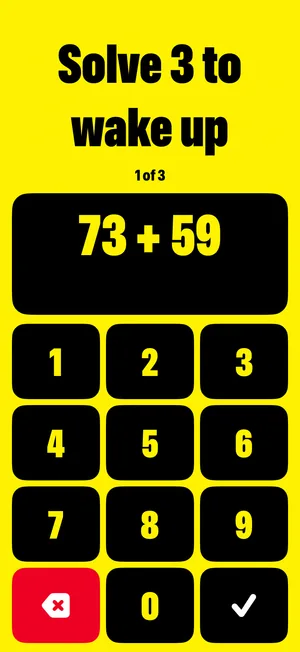
Solve 3 sums on big keys. Each one needs a carry, like 73 + 59, so you can't do it with your eyes shut. A wrong answer gives you a new sum.
 Wake Alarm
Alarm app for iPhone
Wake Alarm asks for a small task before your morning counts as started. Solve 3 sums or shake your iPhone 30 times. Until you do, it rings again every 2 minutes.
Coming soon to the App Store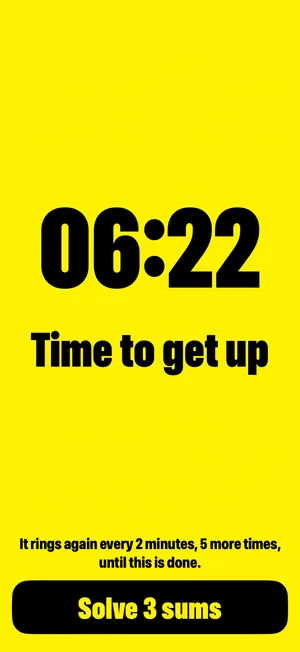
How it works
Pressing Stop half asleep is easy. Doing three sums is harder, and by the third one you're awake.
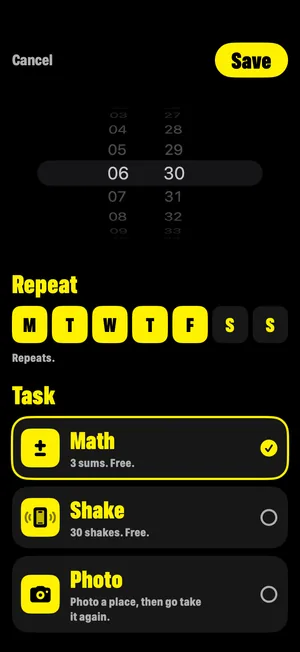
Pick a time, the days it repeats and a task. There's no sign-up and no paywall in the way.
Your iPhone shows its own alarm screen. Open the task from there, or stop that ring.
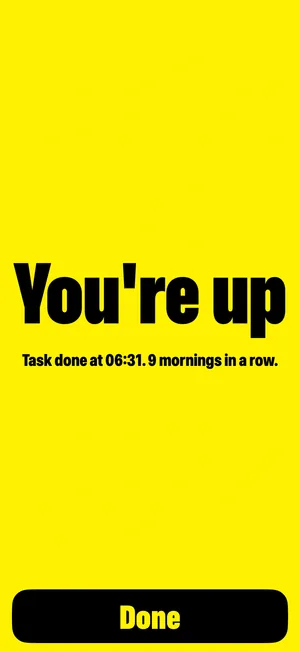
Three sums, or 30 shakes. Then the rest of today's rings are cancelled and you're up.
Tasks
Each alarm has its own task. Math and Shake will never be locked or limited.
Solve 3 sums on big keys. Each one needs a carry, like 73 + 59, so you can't do it with your eyes shut. A wrong answer gives you a new sum.
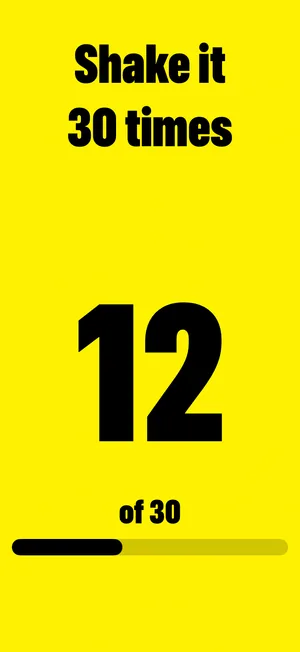
Shake your iPhone 30 times, with the count on screen. Good for mornings when sums are too much.
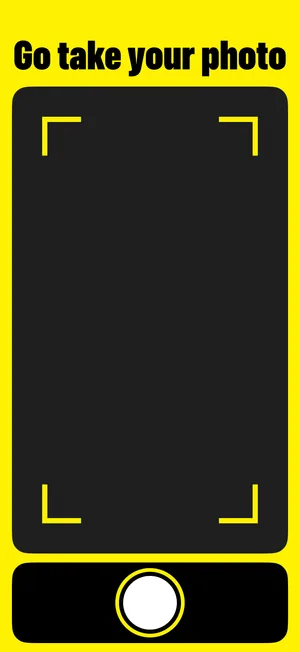
Photograph a place away from your bed, like your sink. In the morning, go there and take it again. Your iPhone compares the two itself.
When it rings
We'd rather tell you exactly what happens than promise something an iPhone won't allow.
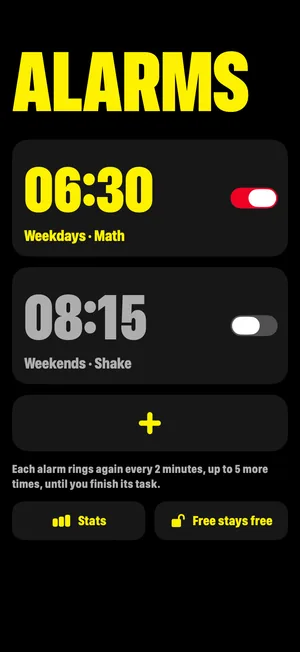
Your iPhone shows its own alarm screen, with a Stop button. Stop silences that ring. Until you finish your task, the alarm rings again every 2 minutes, up to 5 more times.
Finish the task and the rest of today's rings are cancelled. If you never do, it ends by itself after the last ring. You can turn an alarm off or delete it at any time, and the app deletes like any other.
Price
Charging people to wake up felt wrong, so we don't. The extras are one payment that you keep.
$0
No trial that runs out
Once
One payment. Not a year, not a month.
No subscription. No trial. No paywall before you set an alarm. The App Store shows the Lifetime price in your currency before you buy.
Bedtime and privacy
The alarm list and setup are black, so setting an alarm in a dark room doesn't light it up. Yellow is for when it rings.
Questions
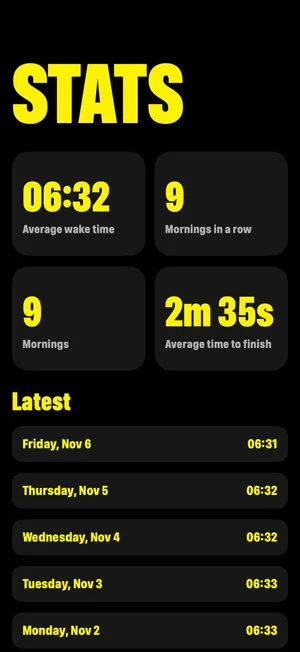
Yes. Alarms, Math and Shake are free, with no trial and no time limit, and they will never be locked later. Lifetime is an optional one-time purchase for photo tasks and stats.
Yes, and you always can: the alarm screen belongs to iOS, and its Stop button always works. Stop silences one ring. The alarm comes back every 2 minutes, up to 5 more times, until you finish the task.
After 3 misses, or if the camera is denied, the app offers Math instead. A photo task never leaves you with no way to finish.
Any iPhone on iOS 26 or later. Wake Alarm uses AlarmKit, the system alarm feature added in iOS 26.
No. There's no sign-up and no server. Everything stays on your iPhone, and purchases go through your Apple Account.
On the alarm list, tap Free stays free, then Restore Purchases.
Guides